MOVING TIPS & ADVICE
How to Pack TV and Computer for a Move: Screen, Tower, and Data Protection
Key answers
When moving TVs and computers, back up data first, label cables, protect screens and corners, and keep everything upright to reduce pressure, shock, and scratches.
Start by sorting out the risks
TVs, monitors, and desktop computers are among the most damage-prone items in a move. The main risks are not only surface scratches, but also screen pressure, broken mounts, bent ports, and internal parts shifting from vibration. Before packing, check the size, weight, whether you still have the original box, and whether the new flat has enough clearance at the door, corridor, and lift.
If you are moving a large TV, a glass-front monitor, or a tower with important work files, allow extra time to prepare. Do not leave cable removal until the last minute, because leads, remotes, stand screws, and adapters are easy to misplace. Take photos of the connections first, then remove and sort each item separately.
TVs and screens: protect the panel first
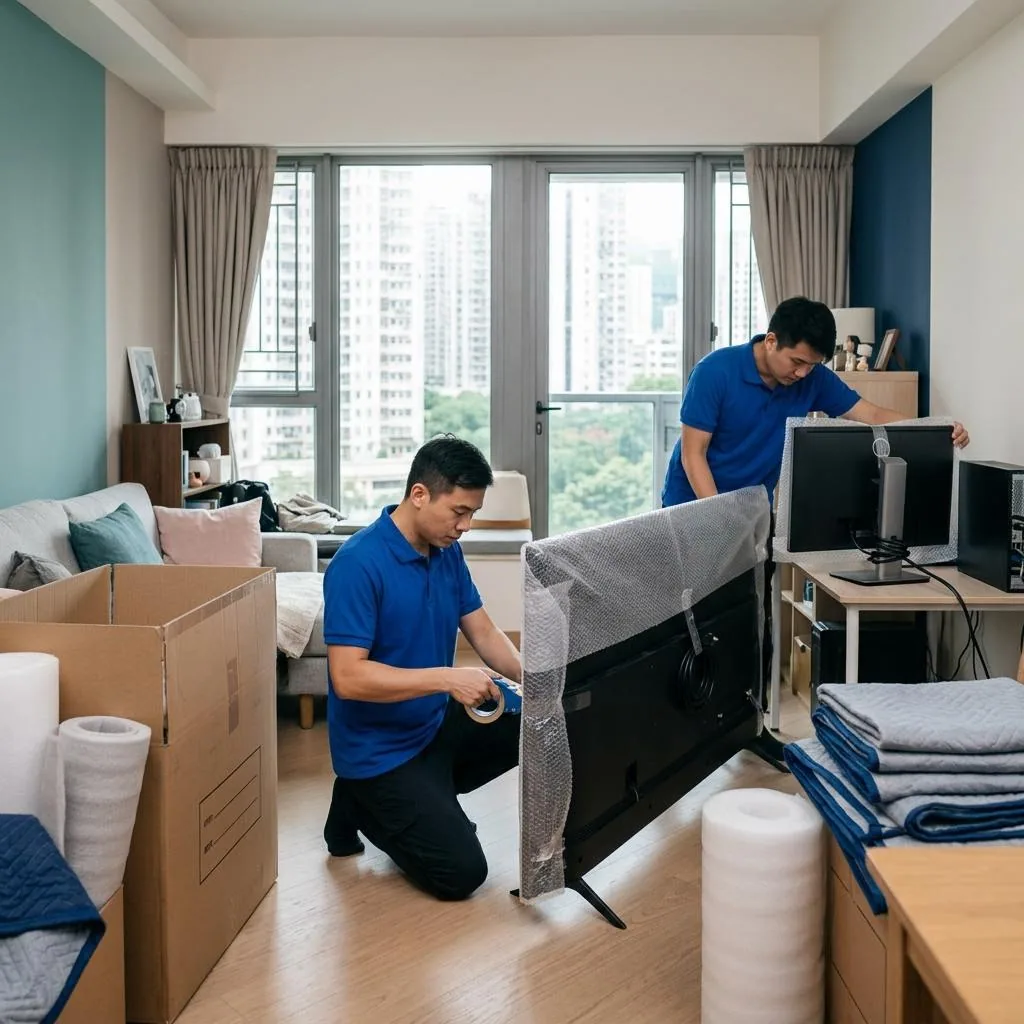
The front panel is the most fragile part, so clean the surface first and wrap the body with soft protective material, with extra padding on all four corners. If you still have the original sleeve, foam, or carton, it will usually fit better than improvised cardboard. If not, choose a rigid box that matches the size closely so the unit does not shift around during transport.
Keep the TV upright throughout the move. Do not lay it flat or stack heavy items on top, because the pressure can be concentrated on the panel and cause serious damage. After arrival, check for hidden cracks, chipped corners, and missing stand or wall-mount parts before reconnecting power and signal cables.
Computer towers: back up first, then handle internal parts
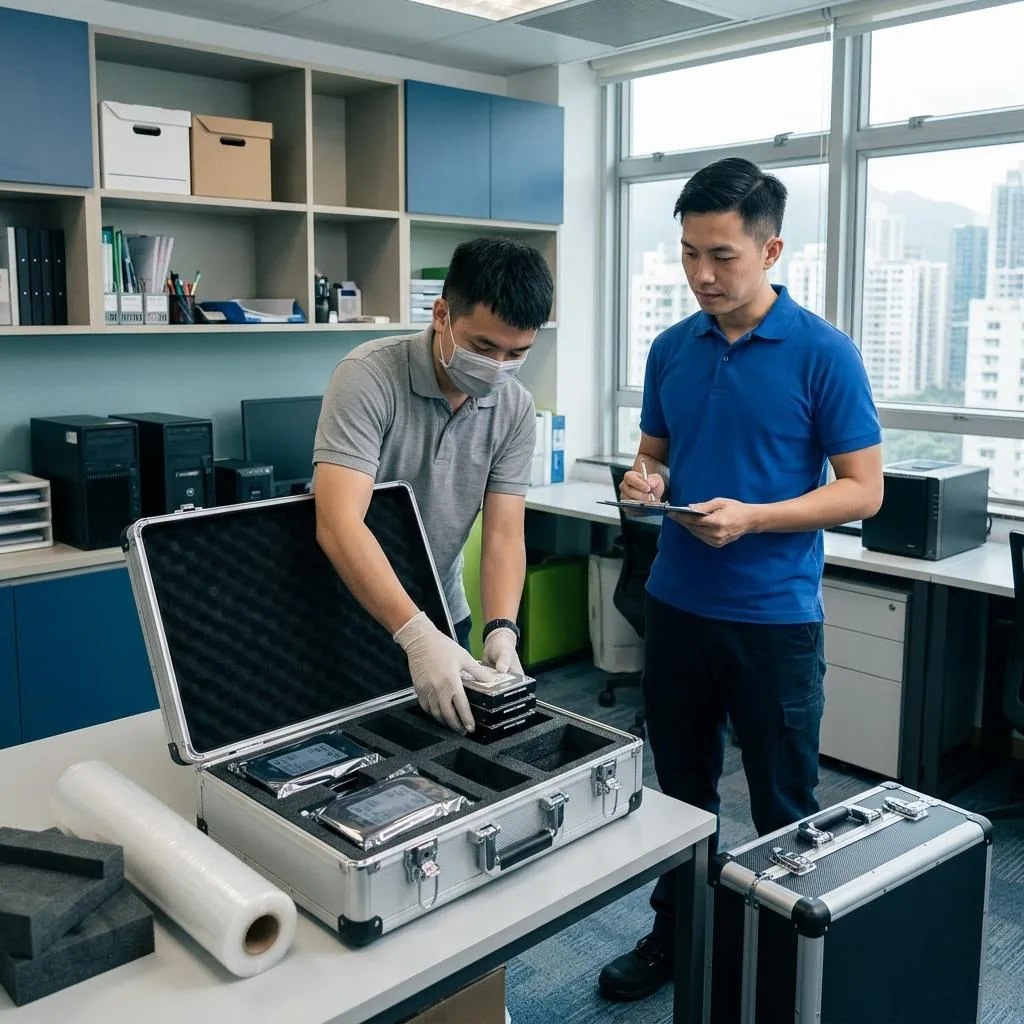
Before moving a desktop tower, the first step is to back up important files. Hard drives, SSDs, work documents, photos, and account data should be copied to an external drive or cloud storage, because vibration or an accident in transit can make data loss harder to fix than a damaged case. If the tower has a large graphics card, a heavy cooler, or other parts that may loosen, it is better to have a qualified technician assess them instead of forcing a DIY removal.
For a typical home computer, power down, unplug it, and clean off surface dust before wrapping the case and corners with shock-absorbing material. If there are empty spaces inside the case, fill them lightly with suitable cushioning, but do not pack them so tightly that cables or fans are pressed. If you are unsure whether the inside layout should be changed, keep it as is and reinforce the outer protection instead.
Keep cables, accessories, and screws separate
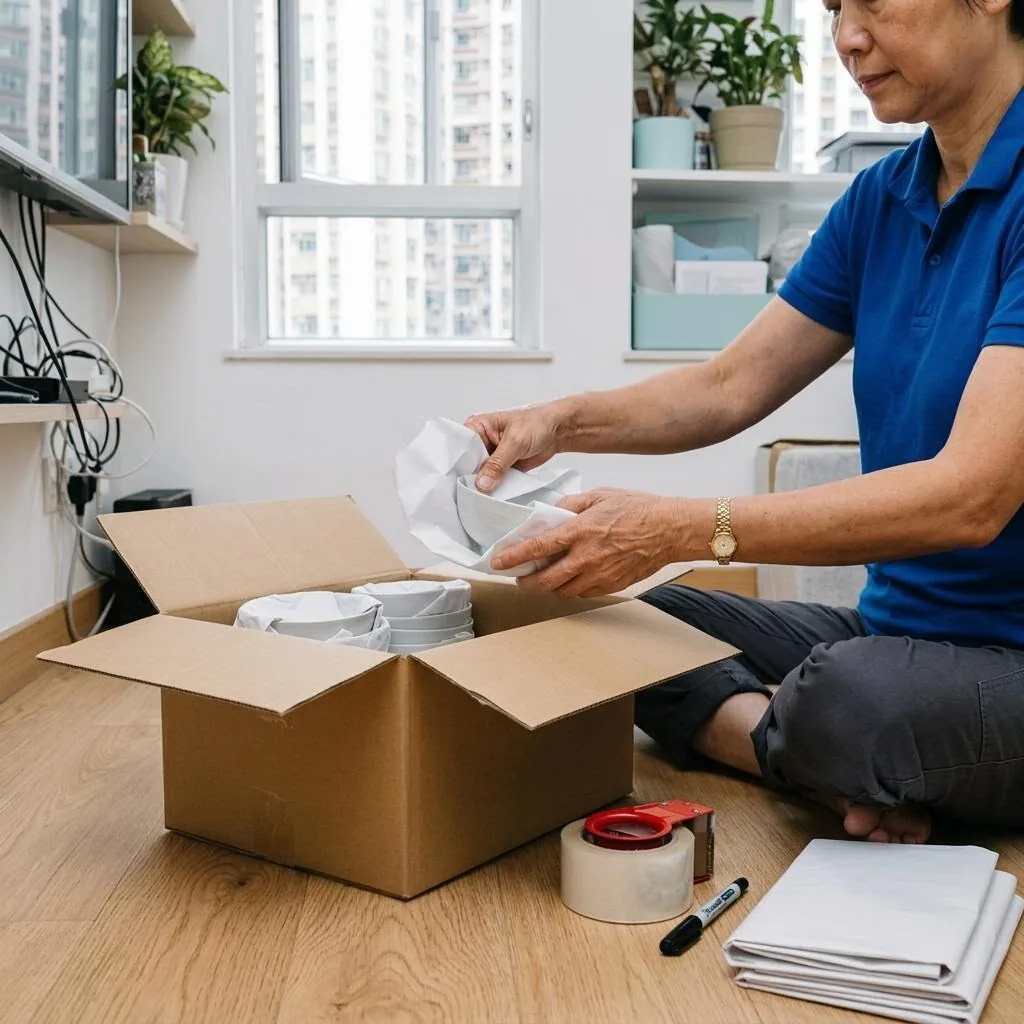
TV stands, remotes, HDMI cables, power cords, monitor leads, and adapters should be packed into separate bags and clearly labelled with their purpose and the device they belong to. Do not throw everything into one bag, because it becomes confusing when unpacking and the parts can scratch each other during transit.
If you have multiple monitors, towers, or AV devices, label each one with a number and note which cable goes where. That will make reassembly much faster in the new place and reduce the chance of plugging into the wrong port. Small screws and fittings can go into zip bags and be taped to the outside of the matching box so they are not lost.
Packing and carrying: stability matters more than filling every gap
The goal of packing is not to cram the box full, but to keep the item from moving inside it. Put cushioning at the bottom, place the wrapped TV or tower in the middle, fill the side gaps with soft padding, then seal the carton and mark it clearly as fragile and upright. If the box becomes too heavy, split it into more than one carton instead of forcing everything into one.
Also check the route before moving the item, especially stair corners, door frames, narrow corridors, and lift doors, which are the places most likely to scratch the case. When carrying, two people or more should coordinate the lift instead of dragging it by one hand or pushing it along the floor. Before loading and unloading, check whether the box has tilted, become damp, or opened up.
Before handing it to movers, ask three things
If you hire movers, ask in advance whether they can use an appropriate packing method for the item, how they handle large screens, and whether they will keep the unit upright as requested. For high-value AV gear, you can also ask them to explain the moving steps first and let you confirm the packing before the carton is sealed.
After arrival, do not power it on immediately. First check the carton for dents, tears, or moisture, then inspect the screen, buttons, ports, and base for damage. If you notice noise, display issues, or a warped case, stop using it and, if needed, ask a qualified repair professional to inspect it rather than forcing it to start up.
Frequently Asked Questions
Do TVs have to stay upright during a move?
Yes, that is generally recommended. Lying them flat or putting pressure on the screen increases the chance of panel damage.
Should I remove parts from a desktop tower before moving?
Not always, but if it has a large graphics card, a heavy cooler, or loose parts, a qualified technician should assess whether removal is needed.
What if I do not have the original TV box?
Use a rigid carton that fits closely and add enough cushioning, with extra protection at the corners and no large empty spaces inside.
Should I back up my computer before moving it?
Yes. Backing up important files first reduces the risk of data loss if the drive is damaged in transit.
Can I turn the computer on right after it arrives?
It is better to inspect the unit first for moisture, cracks, strange smells, or damage. If anything looks off, do not power it on until it has been checked.