MOVING TIPS & ADVICE
Office Moving Guide for Files and Equipment
Key answers
Plan office relocation around files, equipment and team roles. Use clear labeling, backups, packing order and arrival checks to reduce loss, damage and downtime, and help the new office reopen faster.
Start with a scope check: files, equipment and responsibilities
Before an office move, sort everything into three groups: confidential files, routine files, and office equipment with accessories. Assign one owner for each group, and make three lists for items to move, keep on site, or discard. This avoids last-minute decisions that lead to missed boxes or duplicate packing.
Set a simple internal timeline as well: personal items first, shared files next, and bulky equipment last. If the move involves building management, lift bookings or access limits, confirm those early and write the sequence clearly so staff, movers and the building team all follow the same plan.
Confidential files: sorting, sealing and disposal
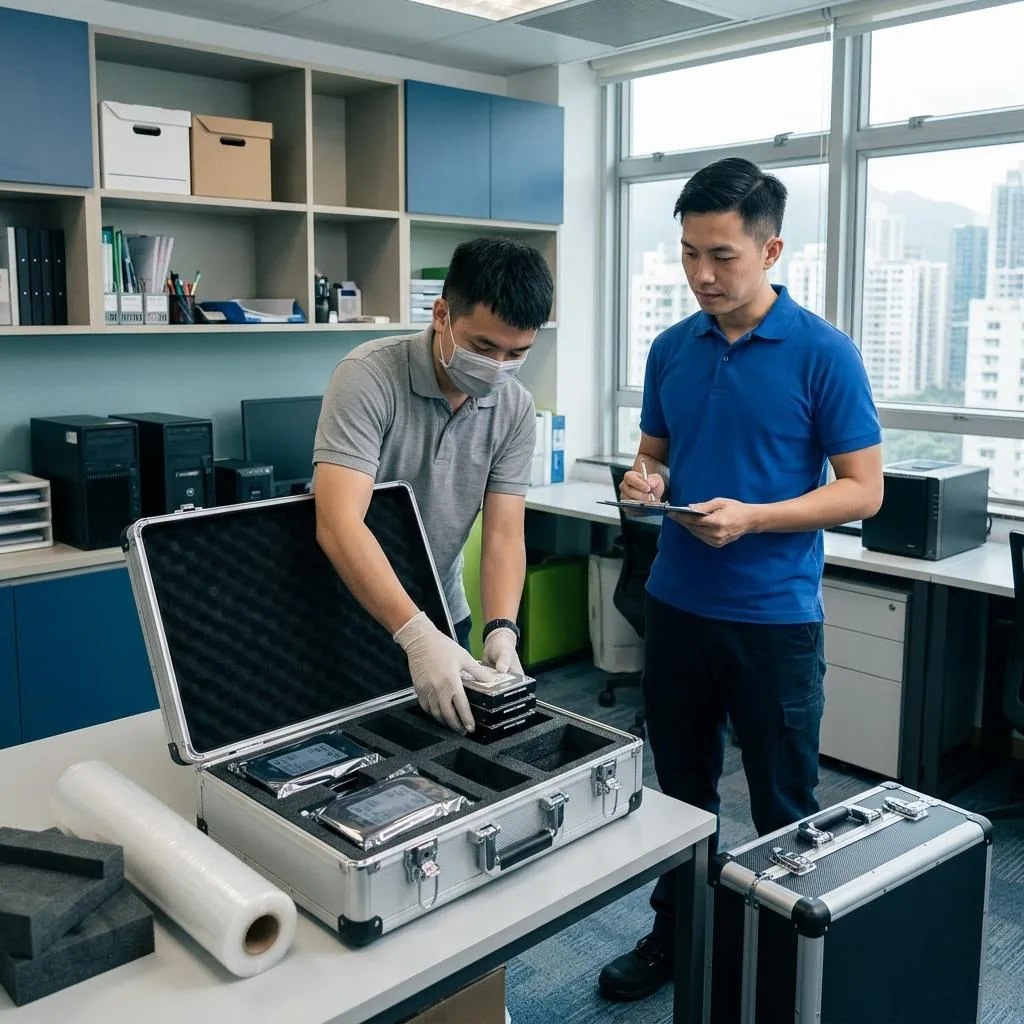
Confidential files should never just be thrown into mixed boxes. Sort them by department and sensitivity, such as HR, finance, contracts and client records, then store them in sealable boxes or lockable file containers. Use box numbers instead of full descriptions on the outside to avoid exposing information.
For records that are no longer needed, obtain internal approval first and follow the company’s confidentiality procedure for disposal. Confirm the disposal method and keep a handover list for checks. Do not place documents with sensitive data in ordinary waste, and do not sort and pack them at the last minute on moving day.
Computers and peripherals: back up first, then disconnect
For computers, servers, monitors, printers and routers, finish data backup and file tidying before the move. If the setup involves company systems, cloud access or server settings, arrange the shutdown process with the relevant technical staff first. Do not unplug equipment before confirming that important data has been saved, and do not try to handle electrical, network-core or server tasks yourself.
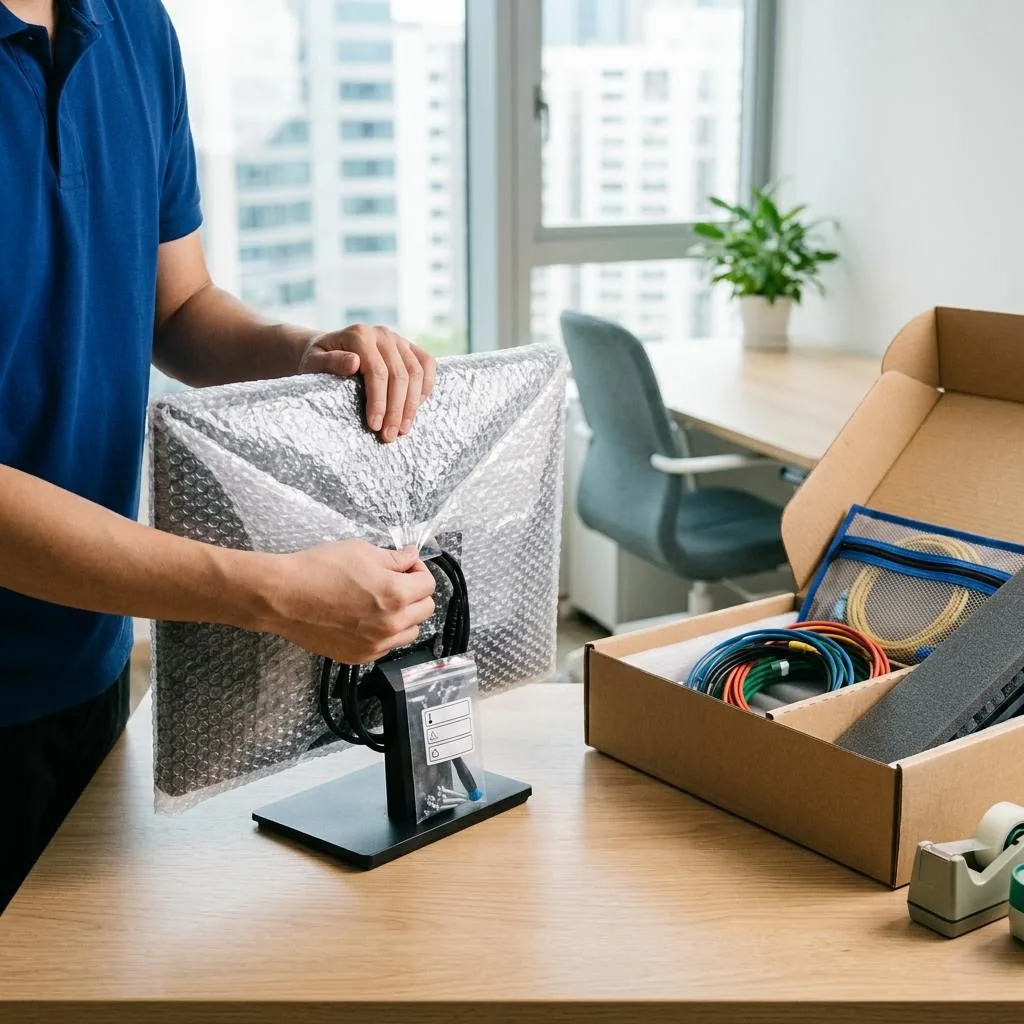
Before disconnecting cables, take photos of each connection point and label every lead separately, such as the host, monitor, keyboard, power cable and network cable. Pack screens and glass surfaces separately, and avoid putting pressure on towers or turning them upside down. For server cabinets, UPS units or specialist equipment, ask the relevant professionals first and then coordinate with an experienced moving team.
Box labels and department flow reduce confusion at the new site
Each box should show not only the department name, but also a number, room location and priority level, such as “Accounts A-03,” “Marketing near meeting room,” or “Unpack today.” This lets movers place items by zone and helps staff find what they need faster, instead of piling everything at reception or in the corridor.
Colour coding is useful only if the rules stay consistent. For example, blue can mean sales, red administration, and green operations, with matching labels placed in the same colours at the new office. If a box is fragile, must stay upright, cannot be stacked, or needs to be opened first, mark it clearly on the outside; otherwise even a good system can break down on site.
Staff tasks and on-site coordination
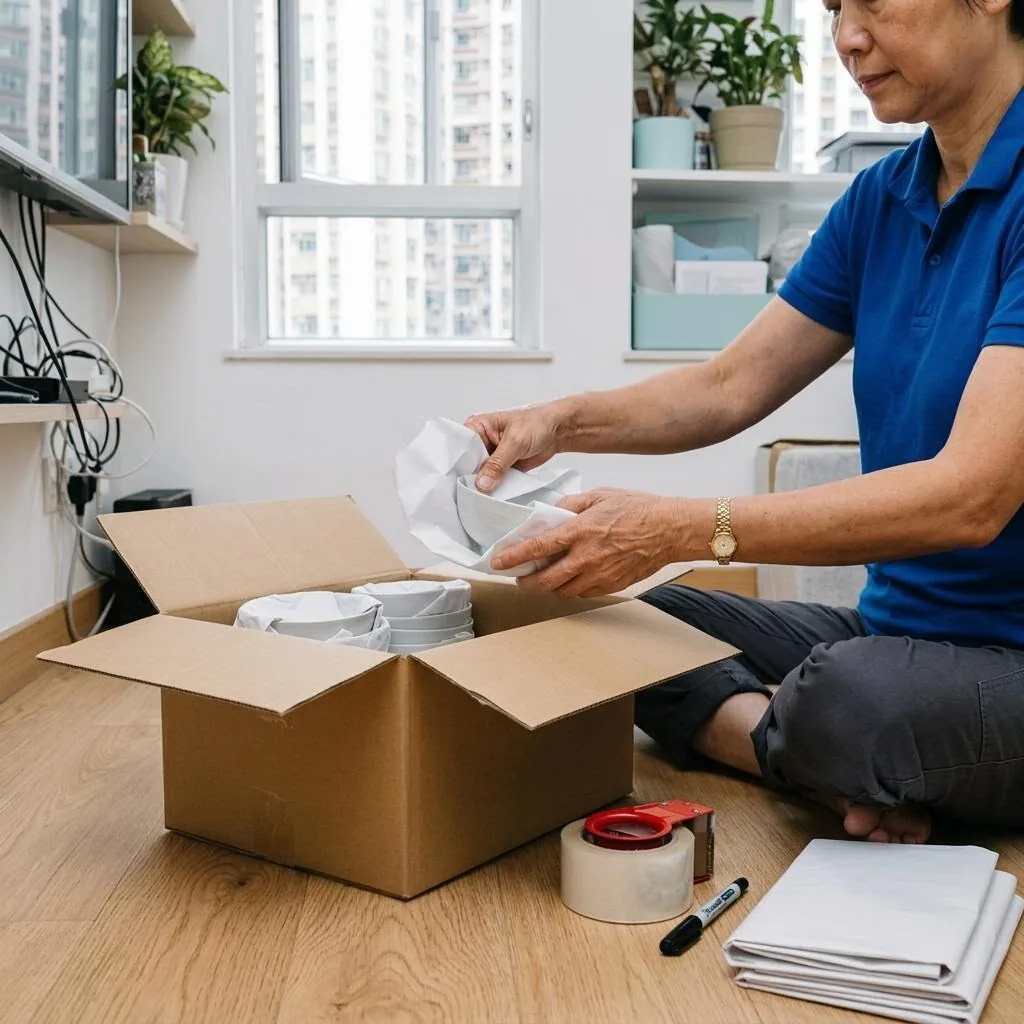
Staff should pack their own personal belongings, drawer contents, stationery and any non-company items, and clear their desks before moving day. If each person has a dedicated workstation, write the new seat number on the box instead of only the old seat or the person’s name, because the new layout often changes and vague labels cause delivery mistakes.
On moving day, appoint one on-site contact to coordinate with the movers, building management and internal staff, and to handle issues such as lift delays, blocked entrances or missing boxes. If work must take place outside office hours, confirm feasibility with the building management and any relevant parties in advance, and leave enough buffer time so the handover does not become rushed.
Arrival checks and pre-reopening checks
When you arrive at the new office, do not open every box immediately. First check the count against the inventory list: file boxes, equipment, accessories, keys and file holders. Then inspect for damage, missing items or broken seals. If a box is damaged or the numbering does not match, take photos at once and inform the on-site lead.
Before reopening, check the layout, desks, corridors and access routes, and confirm that any electrical, network, fire safety or structural issues are handled by qualified professionals where needed. If you are arranging moving services, compare service scope, arrival plan, floor conditions and quotation details, and refer to Online Quote, Moving checklist and Service terms for the points that need written confirmation.
Frequently Asked Questions
What should be organised first before an office move?
Start with confidential files, critical equipment and role assignment. Then set a timeline so you do not have to decide at the last minute what to move or discard.
Can confidential files be handed straight to movers in boxes?
Not ideally. Sort and seal them first, and mark only with box numbers. Any files for disposal should follow the company procedure before they are removed.
What should be done before moving computers and servers?
Finish backups and file organization first, then photograph cable connections and label each cable. Any shutdowns or server settings should be handled by the relevant technical staff.
How can we avoid confusion at the new office?
Use department, seat number and priority labels, plus a consistent colour system. On arrival, place boxes by zone instead of leaving everything at reception.
What should be checked first after arrival?
Check the inventory count, seals and box condition first, then inspect for missing or damaged items before opening boxes and starting to set up.