MOVING TIPS & ADVICE
How to Move Appliances and Tech Devices
Key answers
Before moving appliances and tech gear, sort, label, pack, and back up data. Keep large appliances upright, and use the original box when available for fragile or high-value devices.
Start with sorting and safe power-off
Before moving day, list each appliance and tech item by room, including model, accessories, remotes, power cords, and plugs. Take photos of smaller devices so you can reconnect them later. If the task involves power work, gas connections, built-in fittings, or fixed installations, leave it to a qualified professional rather than trying to remove parts yourself.
The night before, finish shutdown, unplugging, and emptying internal items where needed, but do not pull cables forcefully or remove sockets by force. For fridges, washing machines, and dishwashers, drain residual water according to the manufacturer instructions. If you are unsure about a step, check the user manual or ask a professional first.
Clean, bundle, and label everything clearly
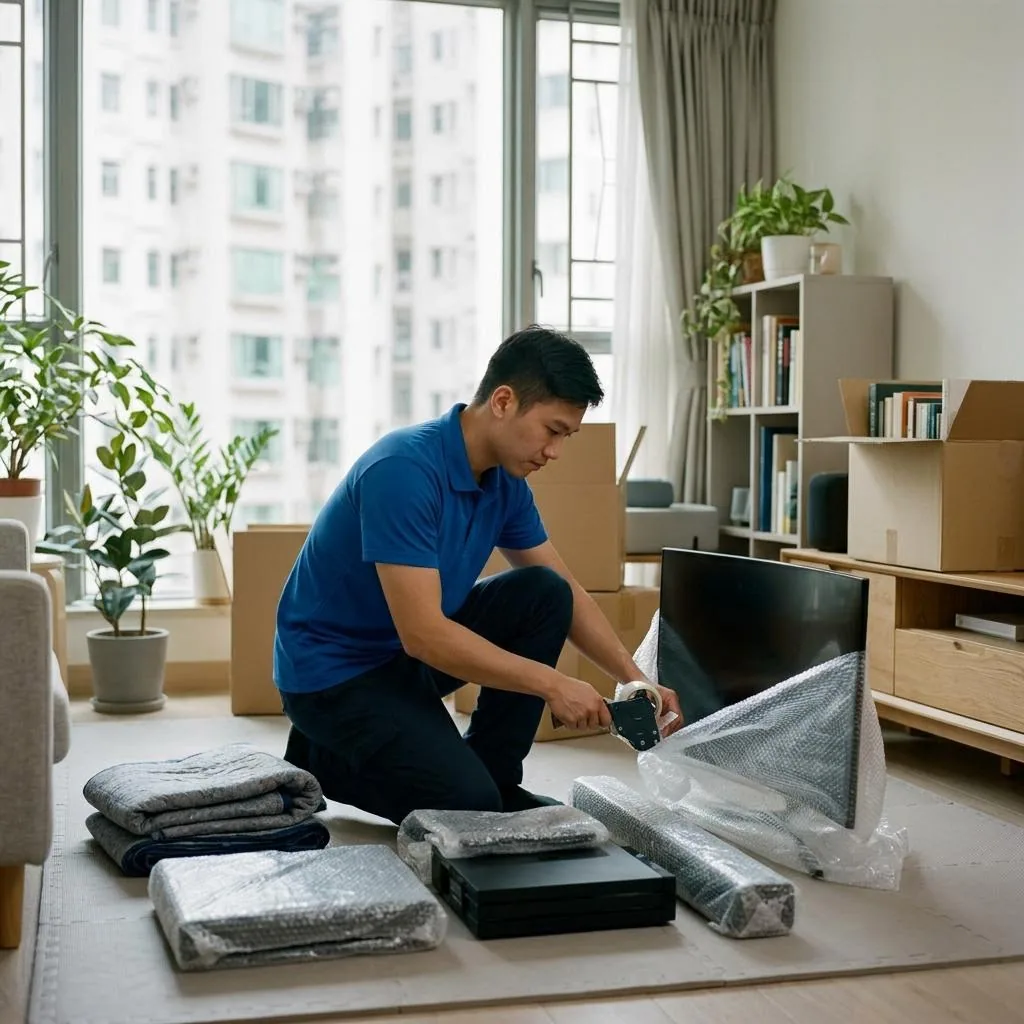
Wipe down the outer surfaces, then pack removable trays, filters, batteries, and small parts separately in labelled bags. Do not wrap cords tightly around the machine body; secure them loosely so connectors are not bent or strained. For screens, glass edges, or mirrored panels, add a soft layer before the outer wrap.
Mark each box with the item name, upright direction, and the destination room, such as upright, fragile, or living room first. For computers, routers, audio gear, and consoles, keep power cords, signal cables, and accessories in one set so nothing goes missing and everything can be checked quickly at the new place.
Choose packing methods by size and shape
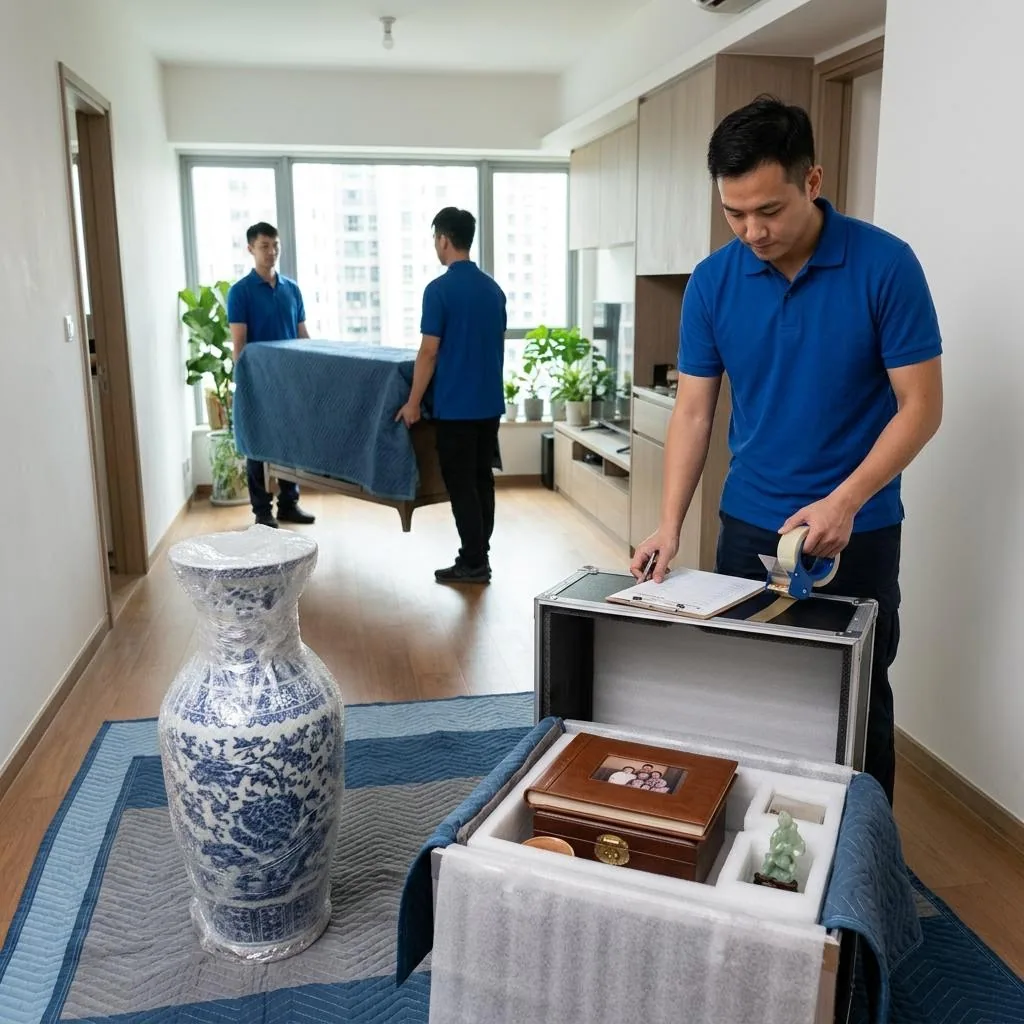
Large appliances such as fridges, washers, and dryers should be protected with moving blankets, corner padding, and secure straps before they are wheeled or carried. Keep them as upright as possible and avoid long tilting or sharp turns. If the lift is narrow, the stairwell has tight bends, or the doorway is small, measure the route in advance and plan the order of movement.
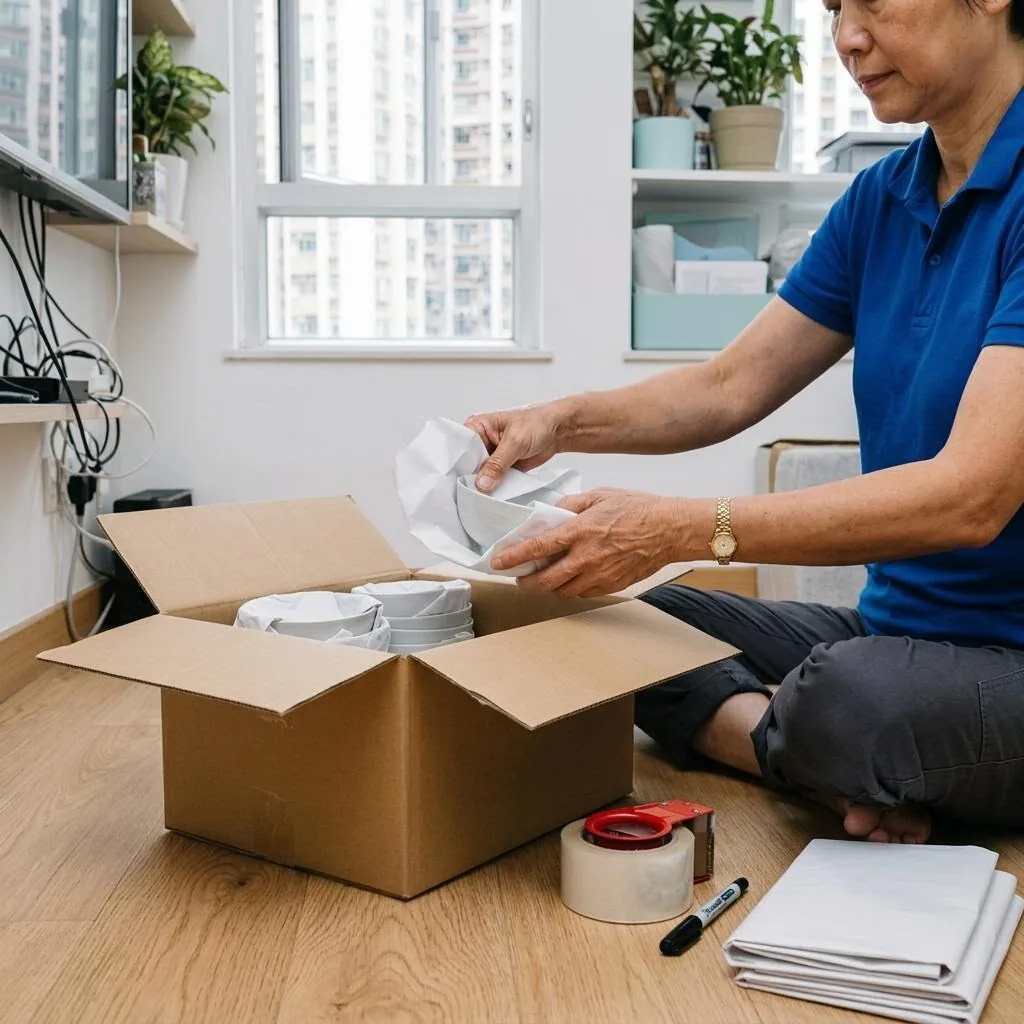
Smaller appliances can go into a box that fits them properly, with bubble wrap or filling material around the sides to stop movement inside the box. Televisions, monitors, and glass-front devices should not share a box with hard objects. If stacking is unavoidable, keep lighter items on top and make sure the base of the box is strong enough to hold the load.
Tech devices need extra care for data and parts
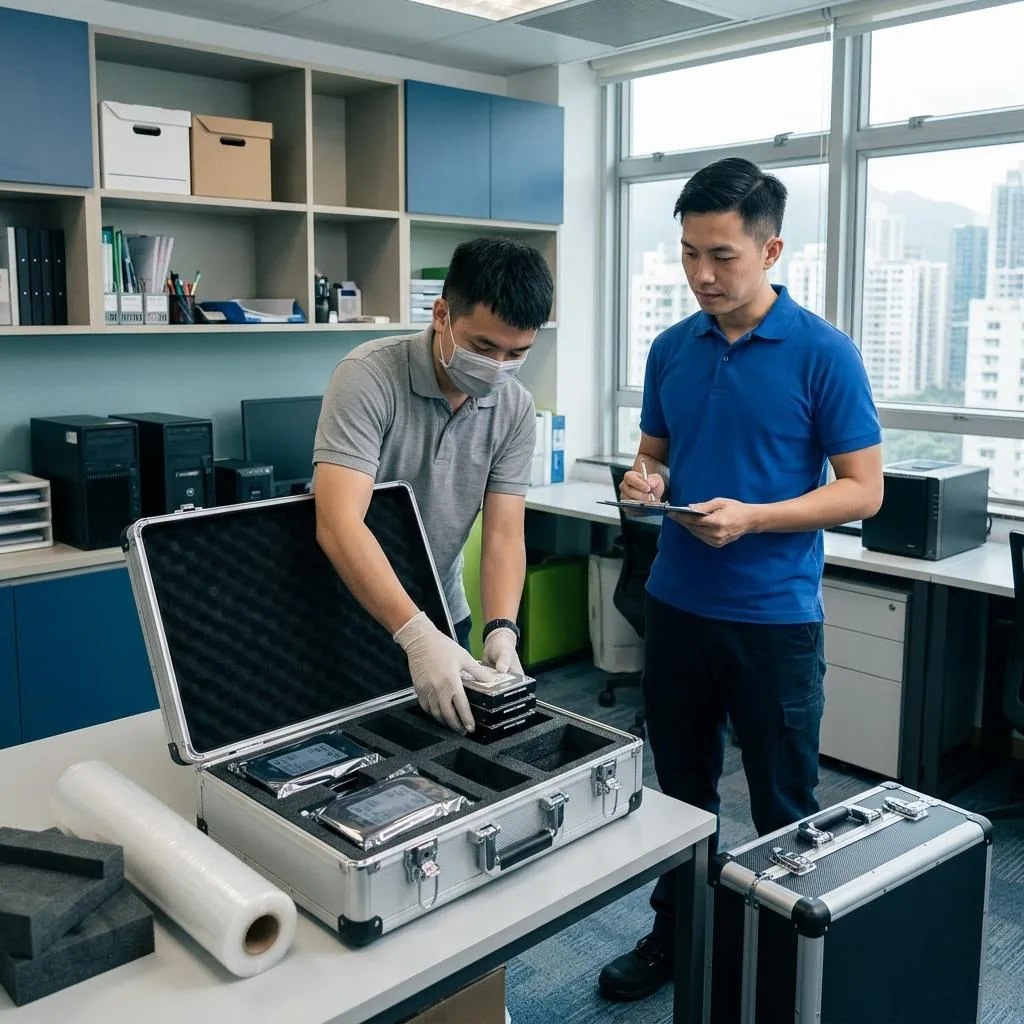
For computers, external drives, cameras, recording gear, and workstations, the first concern is data and accessories, not just the outer shell. Back up important files before moving, and store key data in a separate safe location. If company data, encrypted devices, or server settings are involved, have the responsible person organise them first so nothing is missed during packing.
Do not break down a main unit, display, motherboard, or other precision module into too many parts unless you are fully confident it can be reassembled correctly. If the original packaging still exists, it is usually the best choice. If not, protect the corners, seal the box well, and label it clearly as fragile and upright so the movers handle it properly.
Check everything again before first use
After arrival, do not plug in and use everything at once. First count the boxes, accessories, screws, remotes, and cables, then check for dents, cracks, or loose parts. If a fridge or washer was tilted in transit, follow the manufacturer guidance on standing time before turning it on. If you notice a smell, leakage, unusual noise, or a pressed panel, stop use and ask a qualified technician to inspect it.
When reconnecting, follow the manual and the actual power supply, socket position, and space layout in the new home. Do not force heavy appliances onto unsuitable extension leads. If you find a loose socket, damaged cable sheath, water near the appliance, or the need to change a fixed mounting point, address the property and electrical safety issue first.
When to ask a moving team for help
If the item is large, heavy, hard to stop, or valuable and cannot be left off for long, moving it yourself carries more risk. In these cases, a moving team may help, but you should still describe the item type, floor level, lift access, and whether floor or corner protection is needed, and confirm the route and any limits in advance.
Before booking, ask whether the item must be disassembled first, whether you need to prepare your own packing materials, how damage risk is handled on arrival, and whether there are any item types they will not move. For power changes, gas connections, built-in installation, data recovery, or other specialist work, hire the relevant qualified professional instead of assuming the movers can do it.
Frequently Asked Questions
What is the most important first step before moving appliances?
Make a list, shut them down, unplug them, gather cords and accessories, and drain any residual water if needed. If the job involves power work or fixed fittings, leave it to a qualified professional.
Can I wrap appliances in plastic bags and move them that way?
Not recommended. Plastic bags only keep out dust and do not protect against impact. Use blankets, bubble wrap, and suitable boxes with clear labels instead.
What should I do before moving a computer or external drive?
Back up important data first, then pack the main unit, cables, and accessories separately. If company files or encrypted data are involved, have the responsible person organise them before moving.
Can I switch on a fridge or washer immediately after moving it?
Not always. If the unit was tilted or still has moisture inside, follow the manufacturer guidance on standing time and check for leaks or abnormal sounds before use.
When should I hire a moving team for appliances?
When the item is too large, too heavy, the route is narrow, or you cannot lift it safely, ask for help and confirm the route, size, and limits before the move.