MOVING TIPS & ADVICE
How Can You Protect Your Privacy During a Move?
Key answers
During a move, the biggest privacy risks are often documents, account details, keys, and address information. With careful sorting, packing, handover checks, and move-in verification, you can reduce exposure and keep sensitive information under control.
Identify which items carry the highest privacy risk
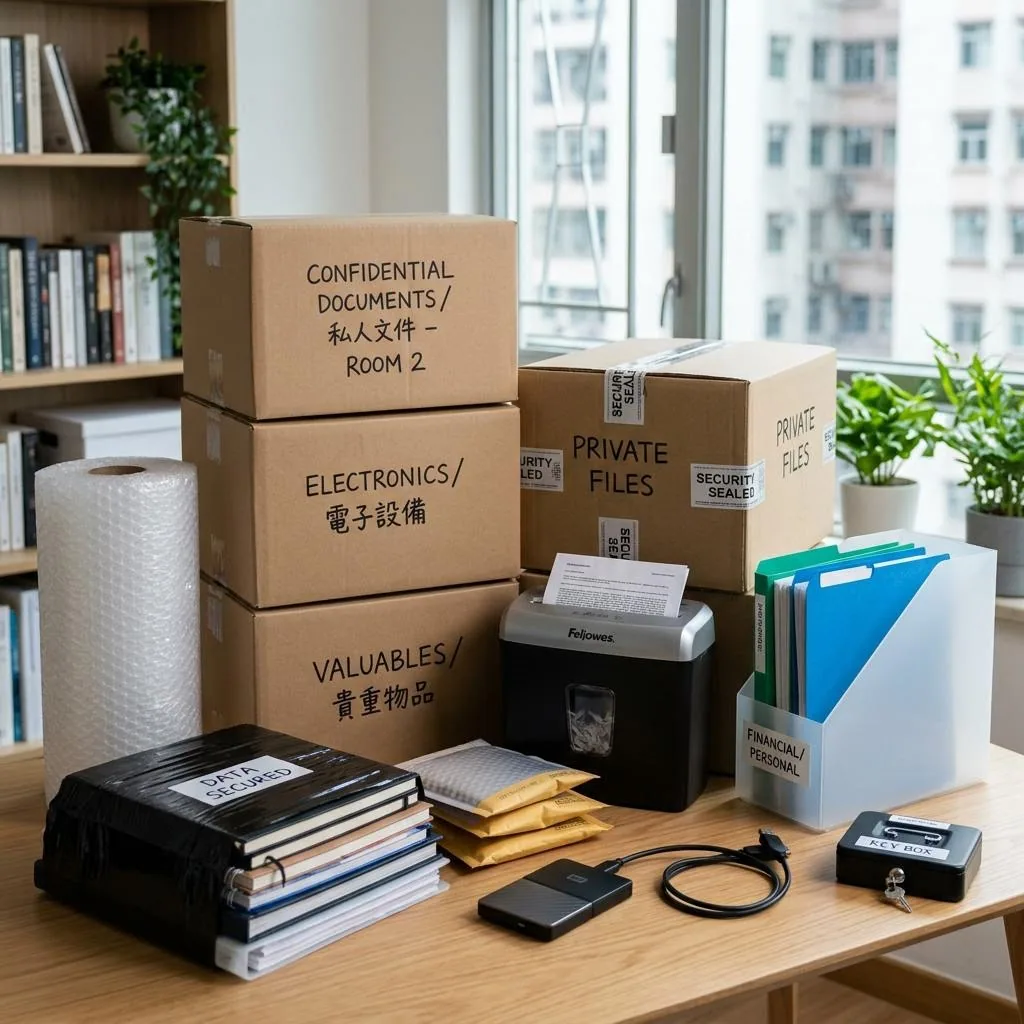
Before moving day, split your belongings into three groups: documents you must keep with you, ordinary items that can go with the movers, and private items that should never be handled casually by others. Identity documents, bank papers, tenancy records, medical files, passwords, spare keys, and letters with personal details should go into a separate file pouch that stays under your control at all times.
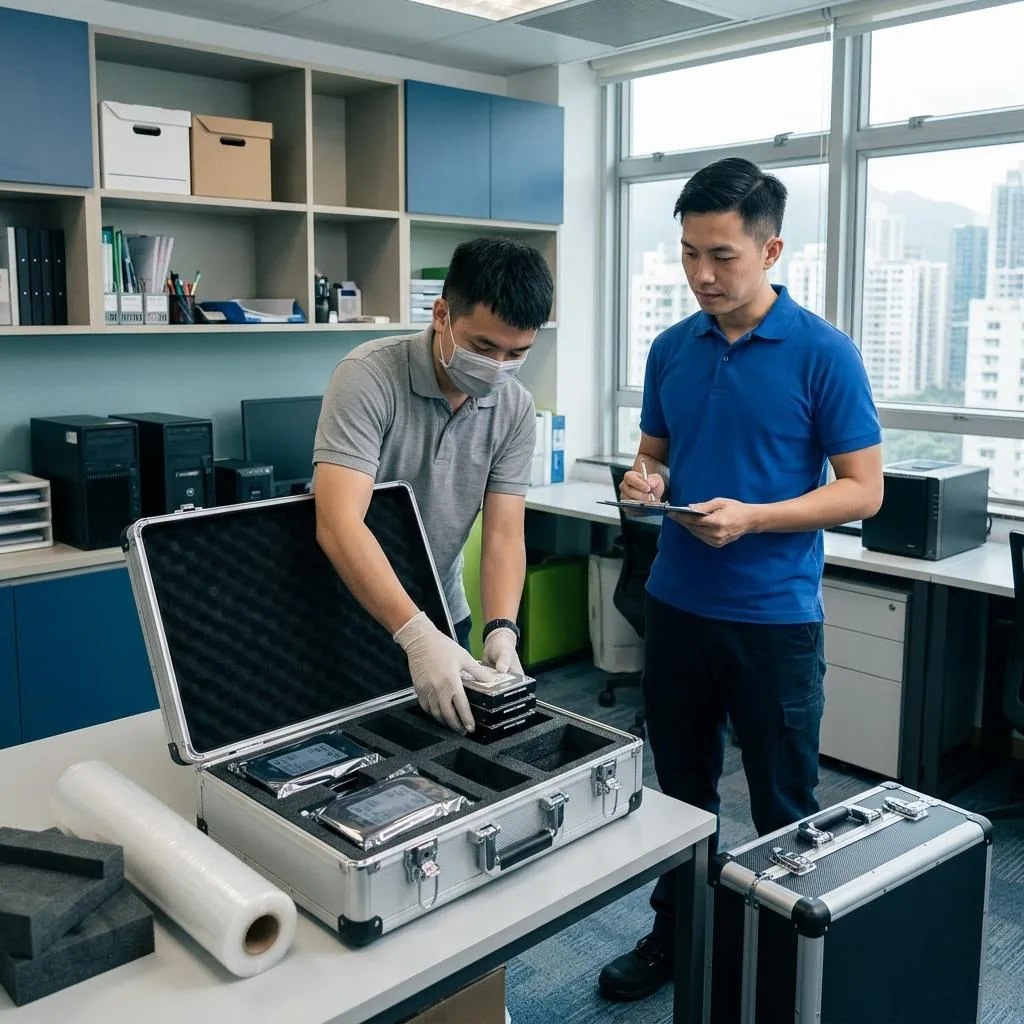
If you have old phones, hard drives, tablets, routers, or letters showing your address, do not treat them as ordinary clutter. Delete unneeded data first, then destroy sensitive paper records properly or send them through an appropriate recycling channel. For computers, cloud accounts, bank cards, and verification devices, change passwords and log out of old devices before the move.
Questions to ask when choosing a moving arrangement
When comparing movers, do not look only at price. Ask how they handle customer data, contact lists, key handover, and building access records. If you need to provide your address, phone number, moving time, or building restrictions, confirm that the information is used only for the move and not shared with unrelated people.
Before booking, ask for written confirmation of the service scope, team size, whether photos will be taken on site, and whether the driver or movers need to handle private items. If you live in a village house, tenement building, or a building with strict security rules, also confirm vehicle access, loading points, lift usage windows, and visitor registration requirements so there are no unnecessary exposures on the day.
How to reduce exposure when packing
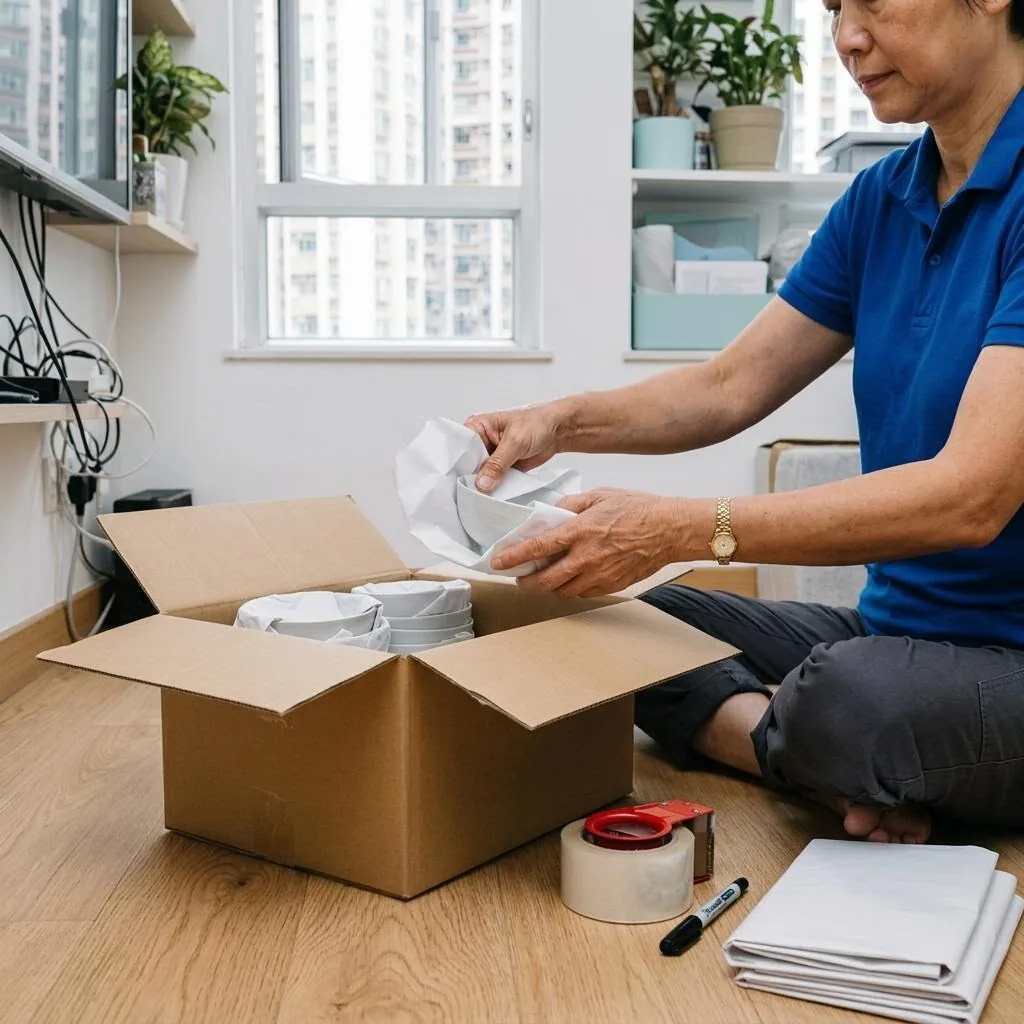
For packing, sensitive documents should be stored separately in an opaque file pouch or sealed box, and the outer box should carry only a simple code, not the contents. Old letters, policy copies, school notices, and bills that show family names, account numbers, or addresses should not be mixed with regular clothes or household items, otherwise they may be seen during handling.
For photo albums, USB drives, external hard drives, notebooks, and items with company information, sort them yourself first and then seal them in a bag or moisture-proof pouch. If a box will be handled by the moving team, use broad labels such as living room miscellaneous or kitchen items. Avoid labels like documents or contracts, and use box numbers rather than content descriptions whenever possible.
Limit access on moving day
On moving day, keep access to private areas limited to the people who truly need to be there. If you need to step away briefly, lock away valuables and high-privacy items first, and keep the bag you will carry yourself within sight. For key handover, box counts, and address confirmation, let one person handle the communication so that too much information is not spoken aloud by several people at once.
During the move, watch for anyone opening boxes without permission, taking photos of your address, or discussing the contents of private items in public. If your labels are too detailed, simplify them immediately. If the building requires security registration, check that the visitor log shows the correct company name, and collect any temporary passes, access cards, or entrance stickers before leaving.
Privacy checks before settling into the new home
Once you arrive, check the door locks, windows, mailbox, intercom labels, and any address information visible outside the unit. Make sure there are no old name tags, letters, or exposed personal details left behind by previous occupants. If you receive items left in the flat, first check whether they contain personal data before deciding whether to return them, dispose of them, or hand them to the management office.
If the unit has a smart lock, camera, network device, or home account, reset login details, remove previous user settings, and review permissions one by one. These are technical tasks; if you are not familiar with them, ask the relevant professional to handle the setup rather than forcing it yourself, so you do not create security risks or leave gaps in protection.
Common mistakes and how to set expectations with the mover
The most common mistake is treating IDs, contracts, notes, and old electronics as ordinary clutter, which makes them visible during packing, transport, or unpacking. Another common problem is overly specific box labels, such as cash, medicine, or private documents, which only increase exposure.
Before booking, make your expectations clear: sensitive items stay with you, boxes are not opened without consent, customer data is not used for unrelated purposes, and identity should be checked before work begins. If needed, ask for the arrangement in writing. For contract terms, fees, or responsibility limits, please check Service terms and Moving house price list first, then decide based on your actual situation.
Frequently Asked Questions
Which items need the strongest privacy protection during a move?
IDs, bank and insurance papers, tenancy records, medical files, letters, passwords, old phones, and hard drives are high risk. Keep them with you or destroy unneeded information first.
How should I label boxes more safely?
Use broad labels or box numbers only, such as living room miscellaneous or books 01. Avoid sensitive words like documents, cash, medicine, or contracts.
Can movers look inside my boxes?
Normally they do not need to. You can state in advance that sensitive boxes must stay closed and not be inspected without your consent.
What should I check first when arriving at a new home?
Start with locks, windows, mailbox, door labels, and any visible personal information. Then review the login and permission settings of smart devices or home systems.
What if smart devices or network settings are involved?
These are technical tasks and should be handled by a qualified relevant professional. Do not force a self-repair or reset if you are unsure, because it may create security risks.