MOVING TIPS & ADVICE
Office Equipment Upgrade Relocation Guide
Key answers
Office equipment moves work best when assets are listed, data is backed up, items are packed by type, and delivery order is planned in advance. Large printers, servers and furniture should be handled separately to reduce damage and downtime.
Start with an asset inventory and scope check
Before an office upgrade move, list every item that needs to go: desktop towers, monitors, servers, printers, meeting-room devices, chairs, cabinets and spare parts. Mark what will be kept, discarded, sent to storage or repaired. If several teams share equipment, group items by department and use so that nothing is misplaced after the move.
Also confirm the old and new site access routes, lift booking, parking, loading window, security check-in and moving path. Many Hong Kong office buildings have fixed moving hours, while studio-style workspaces may have management limits. Clear details on size, quantity and sequence will reduce last-minute changes.
Back up data and prepare for shutdown
For any computer, server or storage device, the responsible person should complete a full backup before the move and confirm that key files, permission lists and account details are safely stored. If the company has an internal IT team, it should finish shutdown, cable labeling and handover steps before the movers arrive.
Do not rely on the move itself to protect data. Moving only handles physical transport; data protection depends on the earlier process. Any work involving network settings, server restart, power layout or machine-room connections should be left to qualified IT or electrical professionals, and you should request written confirmation of the plan.
Packing rules for electronics and precision devices
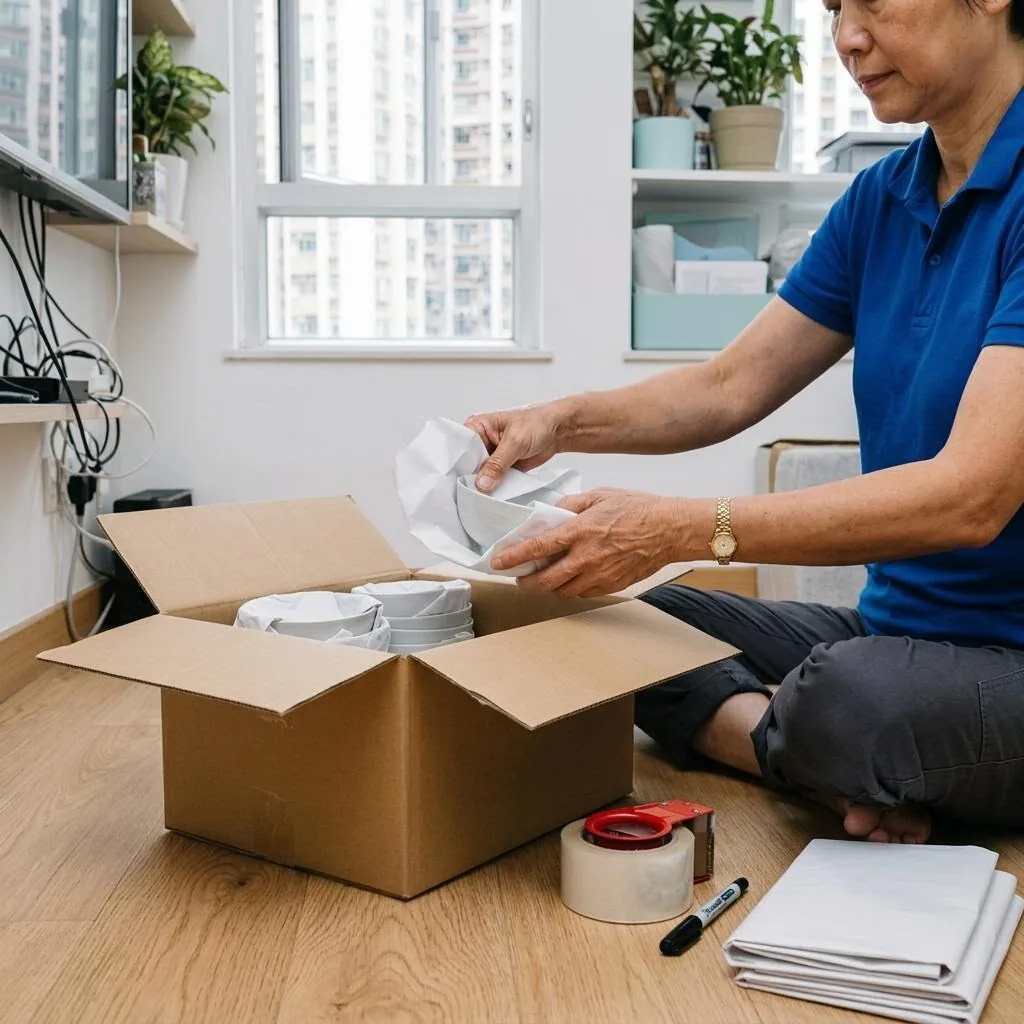
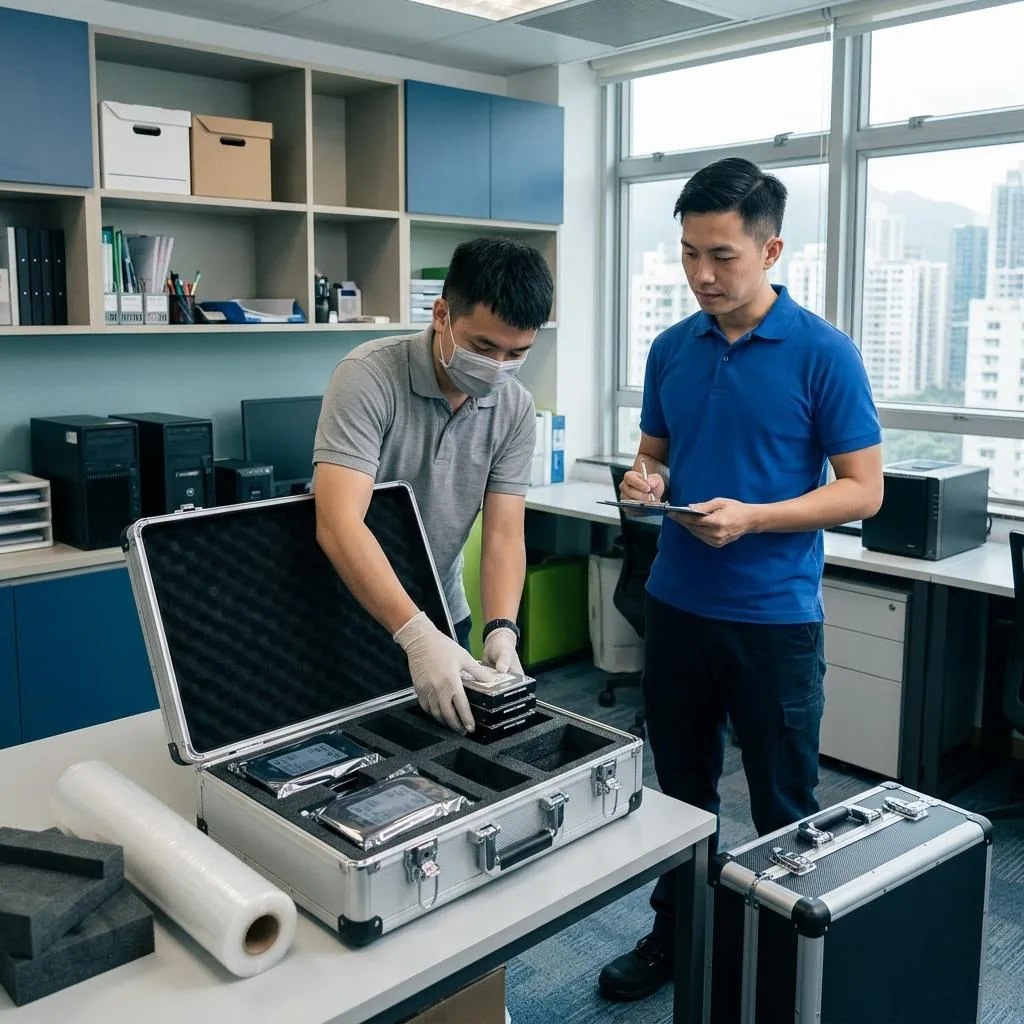
Computers, monitors, projectors, switches and other precision devices should have exposed cables removed first, with mice, keyboards, adapters and small accessories packed separately. Monitors should not bear direct pressure; protect the corners, mark boxes with fragile and upright labels, and keep a clear item code so they can be restored to the right place.
If a device is bulky, heavy or internally complex, do not force a manual lift, flip it over, or open it casually. If you are unsure whether a part can be removed, check the manufacturer guide or ask a qualified technician first. Anything involving circuits, batteries, internal components or leak risk should never be handled as a quick DIY fix.
Handling multifunction printers and office furniture
Before moving multifunction printers, shredders, filing cabinets and sit-stand desks, clear out contents, lock moving parts and decide whether to disassemble or move as one piece based on size and weight. For multifunction printers, toner units, paper trays and moving scan sections should be secured according to the manufacturer instructions. If you do not know the correct process, stop use and seek guidance from the supplier or technician.
Office chairs, table tops and storage cabinets may look simple, but loose screws, chipped edges and broken glass often delay the job. It helps to photograph the original condition first, then sort screws and small parts into labeled bags by desk or department. That makes reassembly much easier at the new site.
On-site unloading, lifting and placement
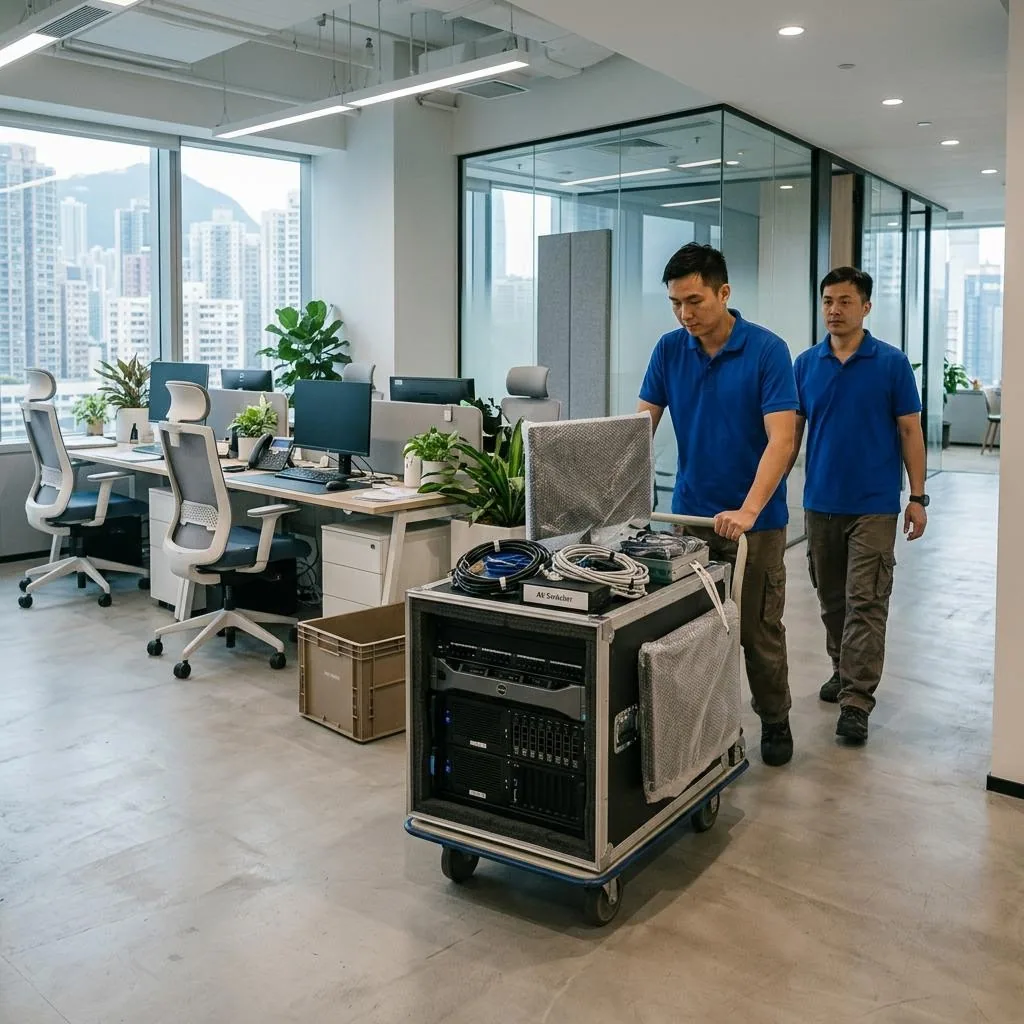
At the new office, unload according to the seating plan and area labels, then have staff confirm each item as it arrives. Heavy items should be placed in the intended area first; do not rush to unpack and power up before checking floors, walls, outlets and walkways for clear access.
If the new site is still under renovation, or the layout and partitions are not finished, confirm with the management first whether entry is allowed and which tasks must wait. Do not test equipment before confirming power load, network readiness or structural conditions. Any rack, cabling or technical installation should be handled by qualified professionals.
Questions to ask before hiring a mover
When choosing a mover, ask more than just truck size. Check whether the team understands office-building rules, lift booking, document labeling, heavy-item handling and staged moving schedules. If you have special items such as large displays or high-value printers, disclose the model, quantity, floor level, walking distance and whether disassembly is needed before quoting.
Ask for written confirmation of the service scope, moving sequence, responsibilities and any limits so there is no misunderstanding later. If you want to compare moving arrangements, review terms or prepare a checklist, use the relevant pages first and then confirm the details with the mover for your actual situation.
Frequently Asked Questions
What is the most important preparation before an office equipment move?
Complete an asset inventory and data backup first, then decide what will be moved, discarded or repaired before packing begins.
Can we just unplug servers and computers before the move?
No. The responsible person should shut down, back up and label equipment first to reduce the risk of data loss or damage.
Do printers and multifunction machines need special handling?
Yes. Clear out consumables and trays, secure moving parts, and follow the manufacturer or technician instructions instead of improvising.
Can equipment be powered on immediately after arrival?
It is better to finish placement and inspection first, then confirm power, network and space conditions before any start-up.
What should we ask a moving company before booking?
Ask about scope, building restrictions, disassembly, schedule, responsibility split and written confirmation of the terms.